CamSoda's Versus feature enables models to engage in split screen token battles. Win more battles than your competitor by earning the most tokens each round!
To set up Versus:
- Tap the Invite to Versus button below your broadcast window, or navigate to the Settings & Privacy menu to toggle on Versus mode so you're available as an opponent or to send an invite. You can control your Versus invite preferences, choosing to receive invites from specific types of models, or it can be toggled off completely. Tap save to apply your changes.

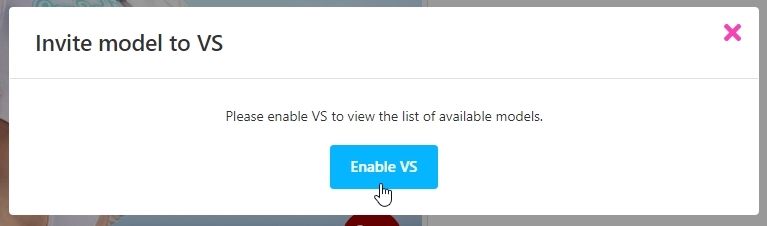
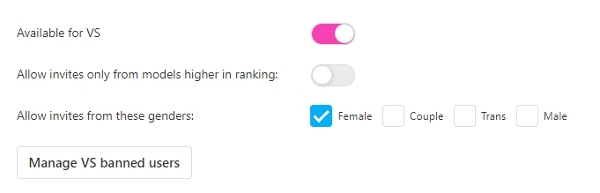
- Once activated, you can invite other models to battle using the button beneath your broadcast window.
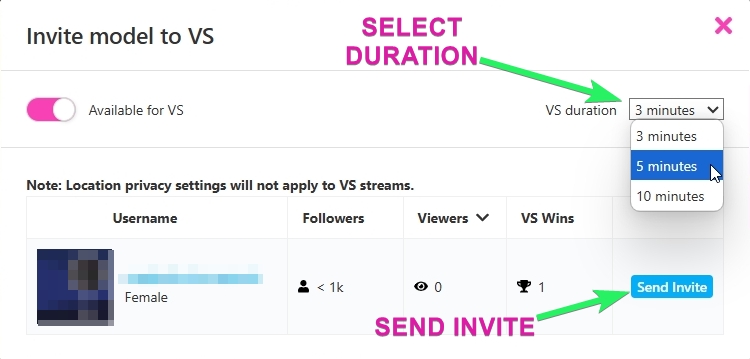
- Tapping the invite button will open a new prompt to select a model competitor and a round duration/time (3, 5, or 10 minutes).
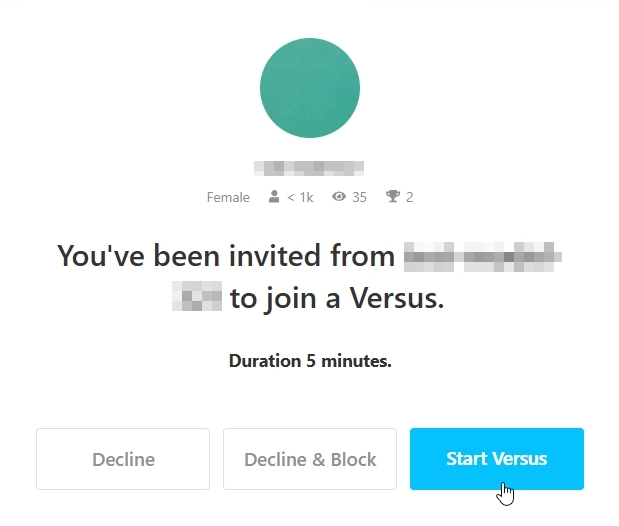
- The invited model has the option to accept or decline the invite, or decline and block a sender. There is a feature to manage blocked users in the Settings area.
- Accepting an invite triggers a split screen for viewers with both models visible. On the model interface, your challenger appears in a movable floating stream.
- The battle begins and each round lasts 3, 5, or 10 minutes. You win a round by earning more tokens than your opponent. In the event of a tie, the round is considered a draw.
- The model username information, round token counters, and win counts are visible above the chat window.
- When a round ends, the token counter resets to 0, and your total win counts adjust. When a winner for the round is declared, it is published in the chat.
- The Versus can be ended by tapping the End Versus button on your opponent's stream window, concluding after the current round.