If you're encountering issues playing streams:
- ensure that you're using a recommended browser (Google Chrome, or Safari)
- try to be on a strong internet connection (wifi or hardwired instead of a mobile network)
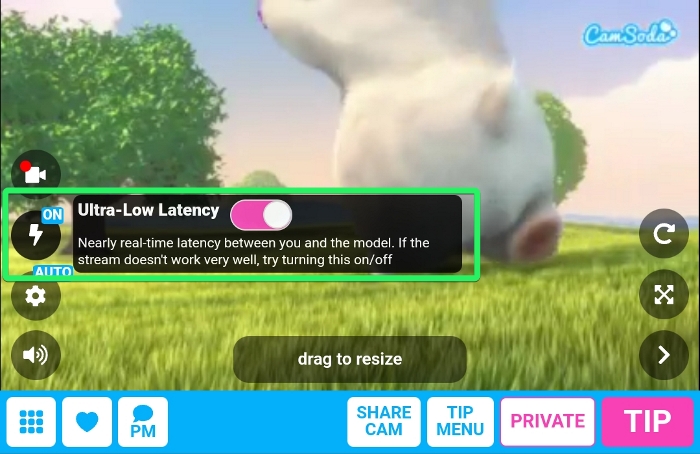
If issues persist, switch off the Ultra-Low Latency toggle (tap the lightning bolt symbol on the stream player) for a lower bandwidth / adaptive stream that will adjust the resolution based on your browser and network.
If the issue does not resolve, please contact our Customer Support team for further assistance at [email protected].