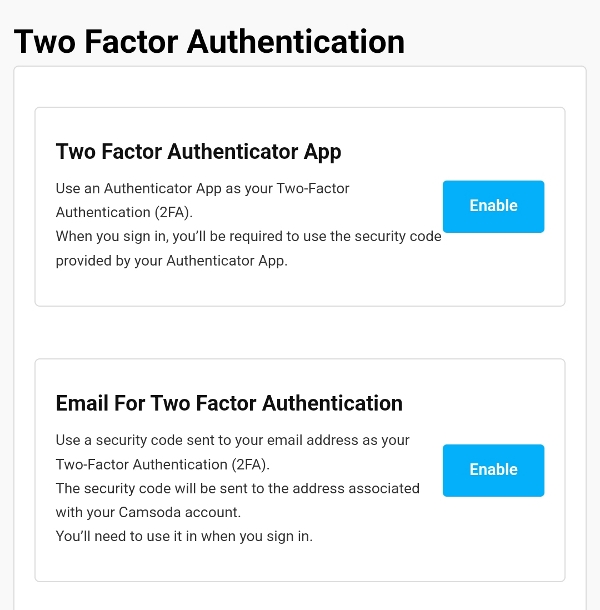
CamSoda provides Two Factor Authentication tools for better account security. 2FA settings can be accessed under Settings & Privacy > Two Factor Authentication
There are two options available:
Two Factor Authenticator App
- Use an Authenticator App as your Two-Factor Authentication (2FA).
- When you sign in, you'll be required to use the security code provided by your Authenticator App.
To set up 2FA with an Authenticator app, scan the QR code with your mobile device and enter the code from your app into the prompt.
Email For Two Factor Authentication
- Use a security code sent to your email address as your Two-Factor Authentication (2FA).
- The security code will be sent to the address associated with your Camsoda account.
- You'll need to enter the code when you sign in.
To set up 2FA for Email authentication, tap Send Authentication Code and enter the code delivered to your email address. If you don't see the email in your inbox, check your Spam folder.
To disable two factor authentication, you'll need to verify with codes again from your app or email.
If you have lost access to your device or email and need assistance with two-factor authentication, contact [email protected] for help.